No. 07 · Bookkeeping & tax
Ledgerwell Tax & Bookkeeping
A calm, reassuring website for a small bookkeeping and tax practice, where visitors choose their situation and see the right services.
- Classification
- Independent concept
- Business
- Ledgerwell Tax & Bookkeeping (fictional)
- Project type
- Single-page website concept
- Year
- 2026
- Type
- IBM Plex Serif, IBM Plex Sans
The brief
The brief
Design a website for a small local bookkeeping and tax practice serving self-employed people, small businesses and households. Each group needs different things, and all of them dread tax season. The site should make the practice feel calm and personal, show who it helps, and turn interest into a free introductory call.
Goals
- 01Speak to three different kinds of client without three separate pages
- 02Make fees feel predictable
- 03Explain how working together actually works
- 04Turn interest into a booked call
On every screen
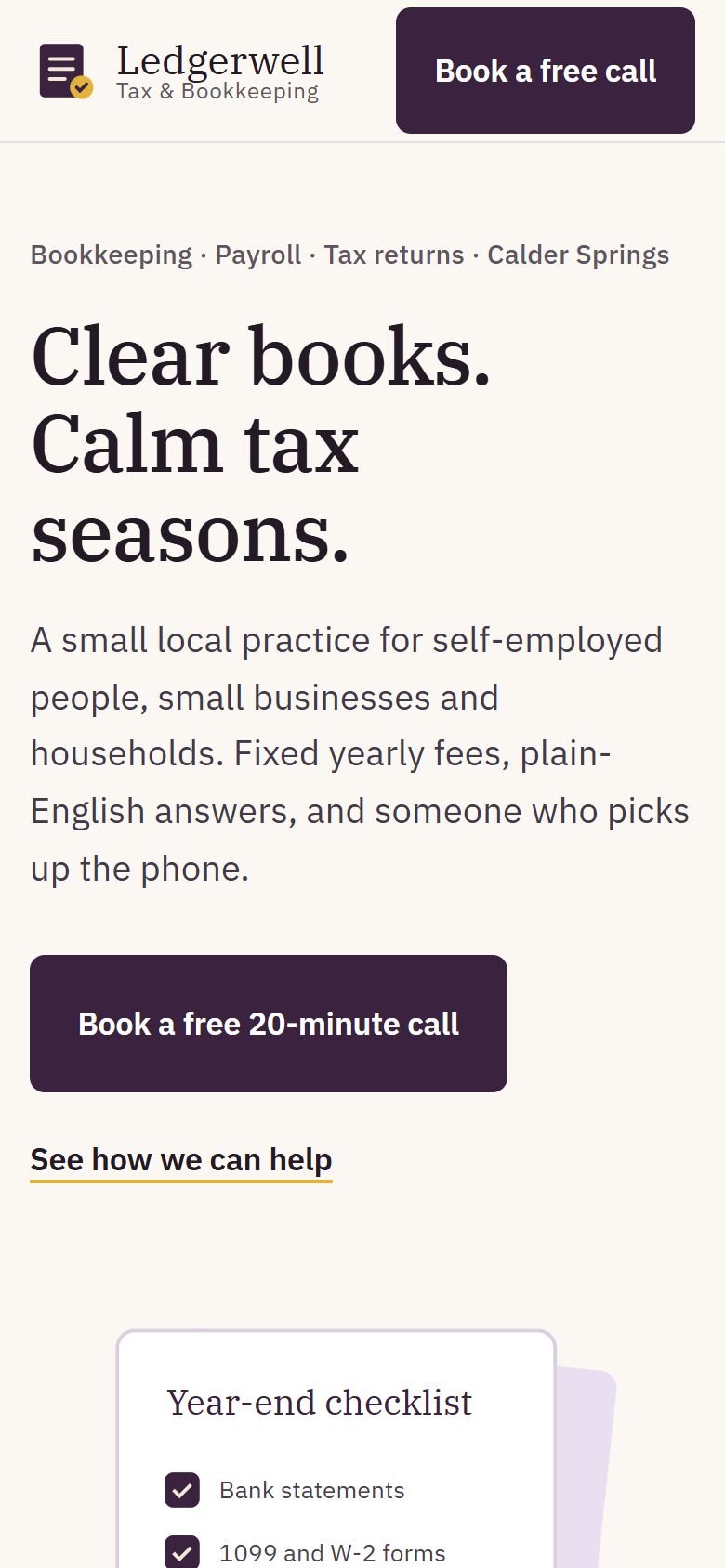
Designed for phones first
The work
The approach
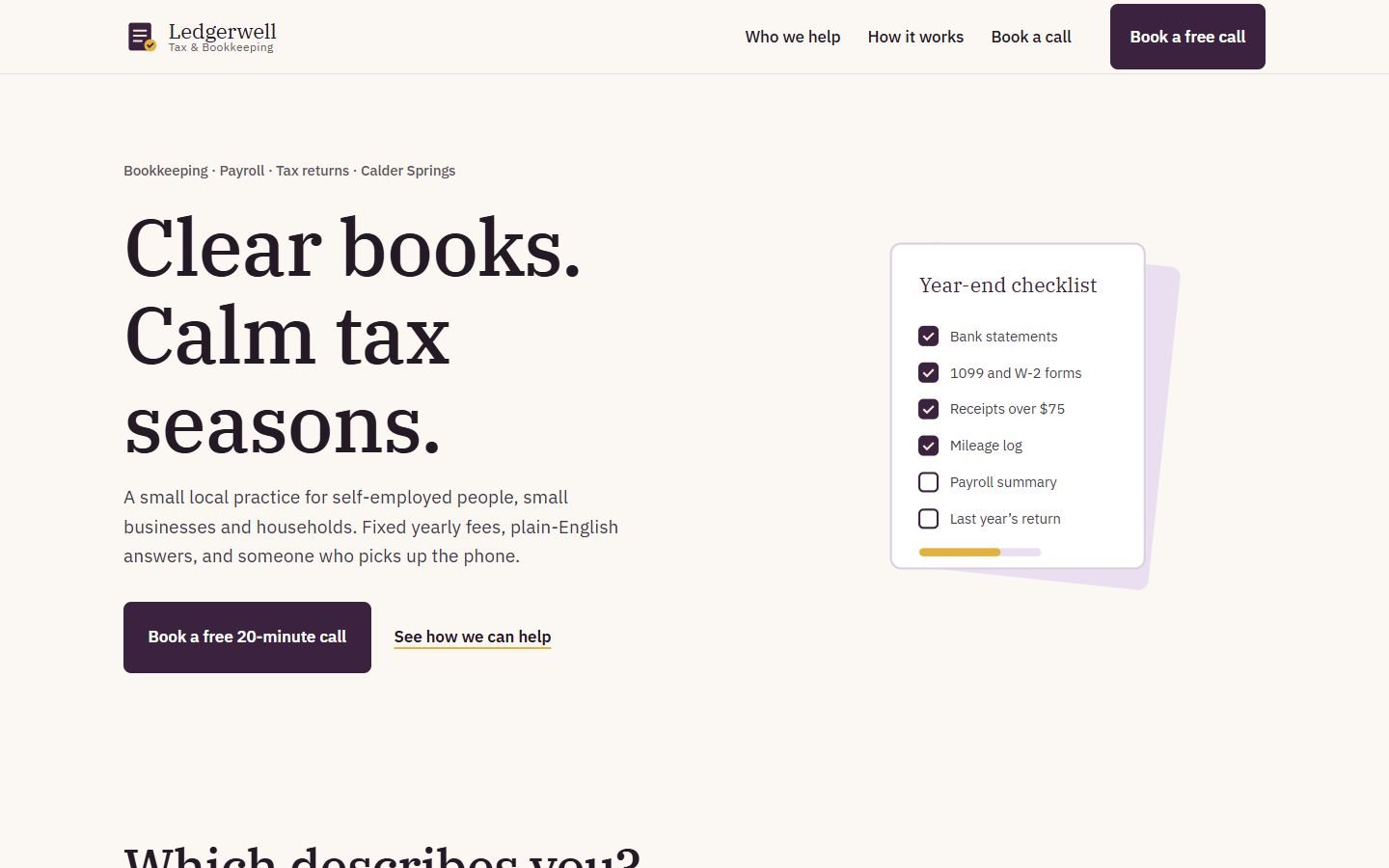
Money is stressful, so the site’s job is to lower the temperature. IBM Plex Serif and Sans give it a trustworthy, slightly bookish feel. Deep aubergine, lilac and a little gold avoid the cold blues of most finance websites. The headline does the reassuring: “Clear books. Calm tax seasons.”
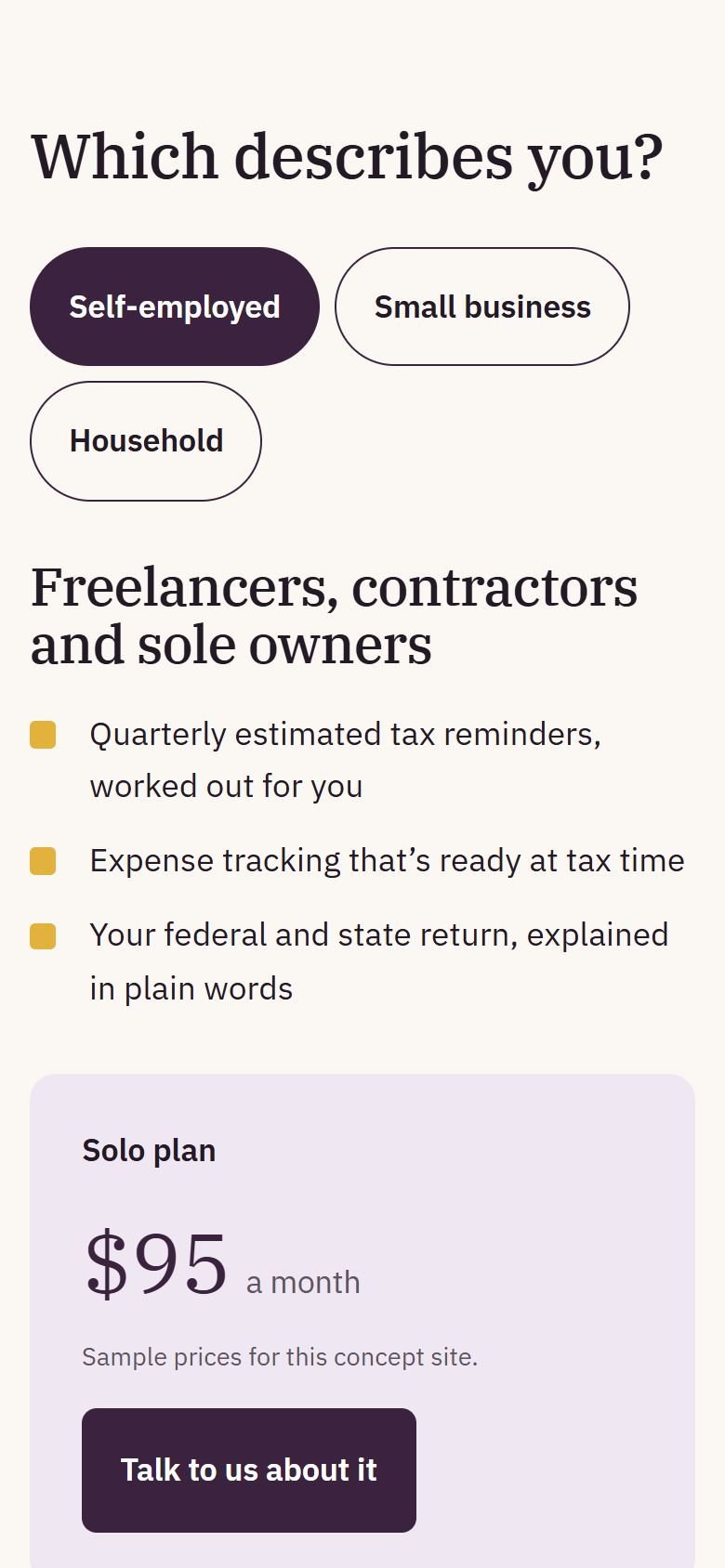
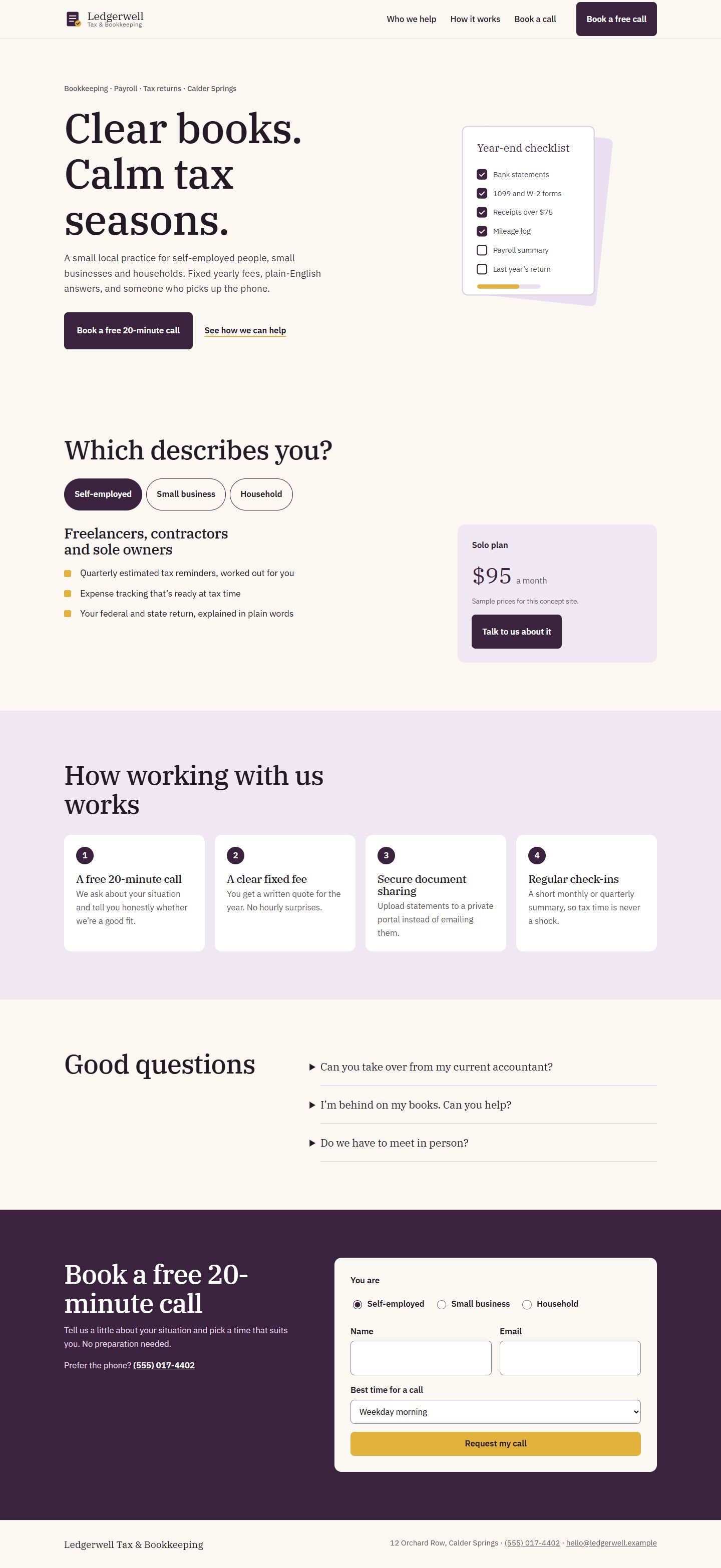
Instead of a long list of services, visitors answer one question: “Which describes you?” Self-employed, small business or household. The page then shows only what’s relevant, with a fixed-fee plan beside it.
Decisions worth noting
- Fixed fees, shown early. Hourly billing is what people fear most. The plan card puts a predictable number next to the services. On this concept it’s a sample, and the page says so.
- A checklist instead of a chart. The illustration is a year-end document checklist, half ticked. It’s the most practical thing a tax practice can show.
- One small promise per step. A free call, a written fee, secure document sharing and regular check-ins. Each step removes a reason to put off getting in touch.
How it’s built
One static page. The situation switcher uses real radio buttons. The questions use native <details>, so they work without JavaScript. The illustration is inline SVG, and fonts are self-hosted.
What would change for a real client
The practice’s real fee structure and credentials, a booking link to their calendar, a secure client portal link, and team photos.
What’s on the site
Features actually built
- Year-end checklist illustration made in code
- "Which describes you?" switcher: self-employed, small business or household, each with its own services and plan
- Fixed-fee plan cards (sample prices, labeled)
- Four-step "how working with us works" section
- Short questions section using native details/summary
- Call request form with situation, email and preferred time (demonstration only, nothing is sent)
Palette
- Aubergine
#3B2340 - Warm paper
#FBF8F3 - Lilac
#EFE8F3 - Gold
#E3B23C