No. 01 · Plumbing & heating
Fernbrook Plumbing & Heating
A phone-first website for a local plumbing and heating company, built so someone with a leak can call in one tap.
- Classification
- Independent concept
- Business
- Fernbrook Plumbing & Heating (fictional)
- Project type
- Single-page website concept
- Year
- 2026
- Type
- Barlow Semi Condensed, Barlow
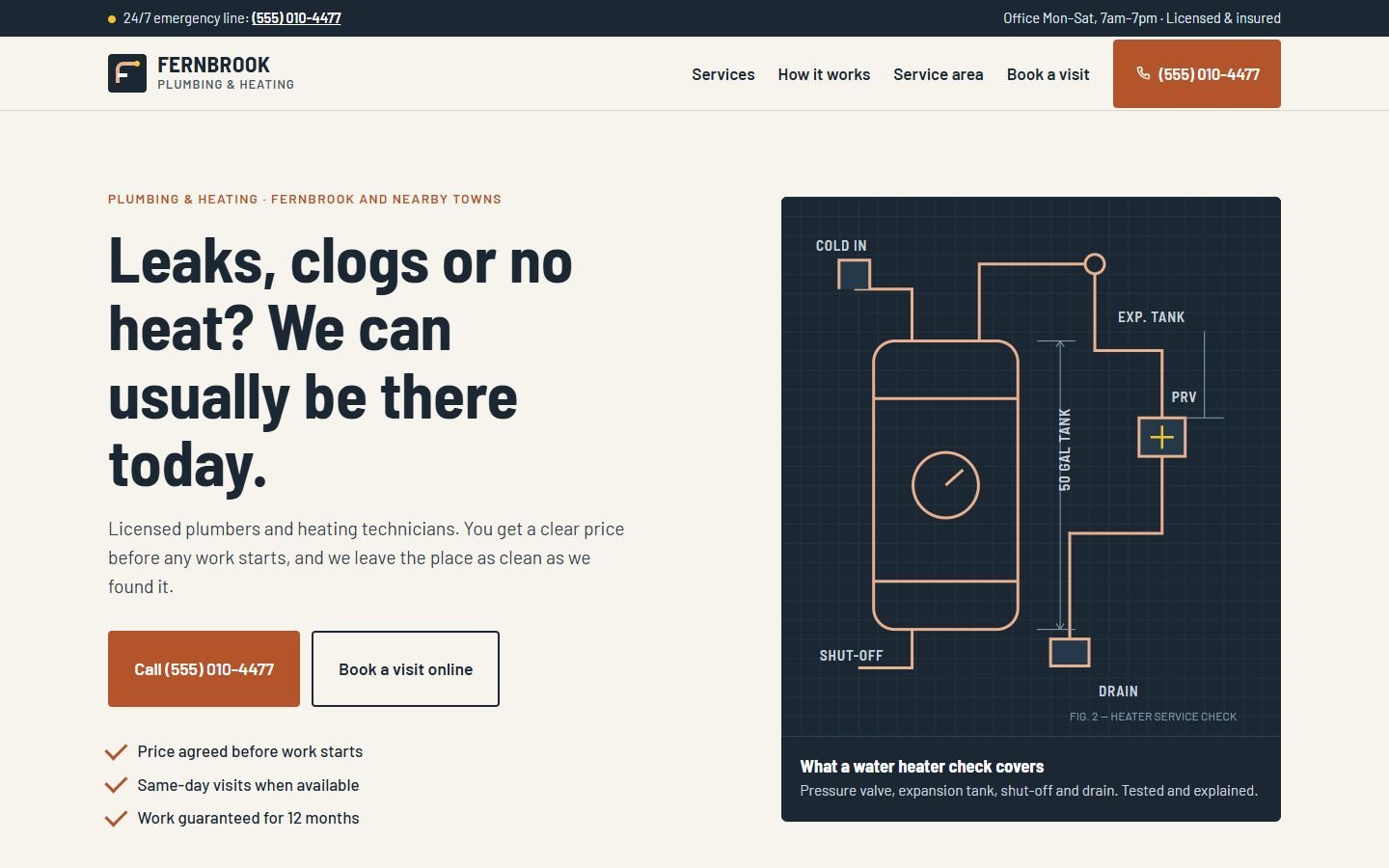
The brief
The brief
Design a website for a small, owner-run plumbing and heating company serving one town and ten neighbors. Most visitors arrive stressed, on a phone, and want one of two things. They want to call right now, or to book a visit for later. Everything else is there to reassure them that this company is local, licensed and fair.
Goals
- 01Make the phone number impossible to miss on every screen size
- 02Separate emergencies (call now) from routine work (book online)
- 03Explain pricing in plain words before anyone asks
- 04Show exactly which towns are covered
On every screen
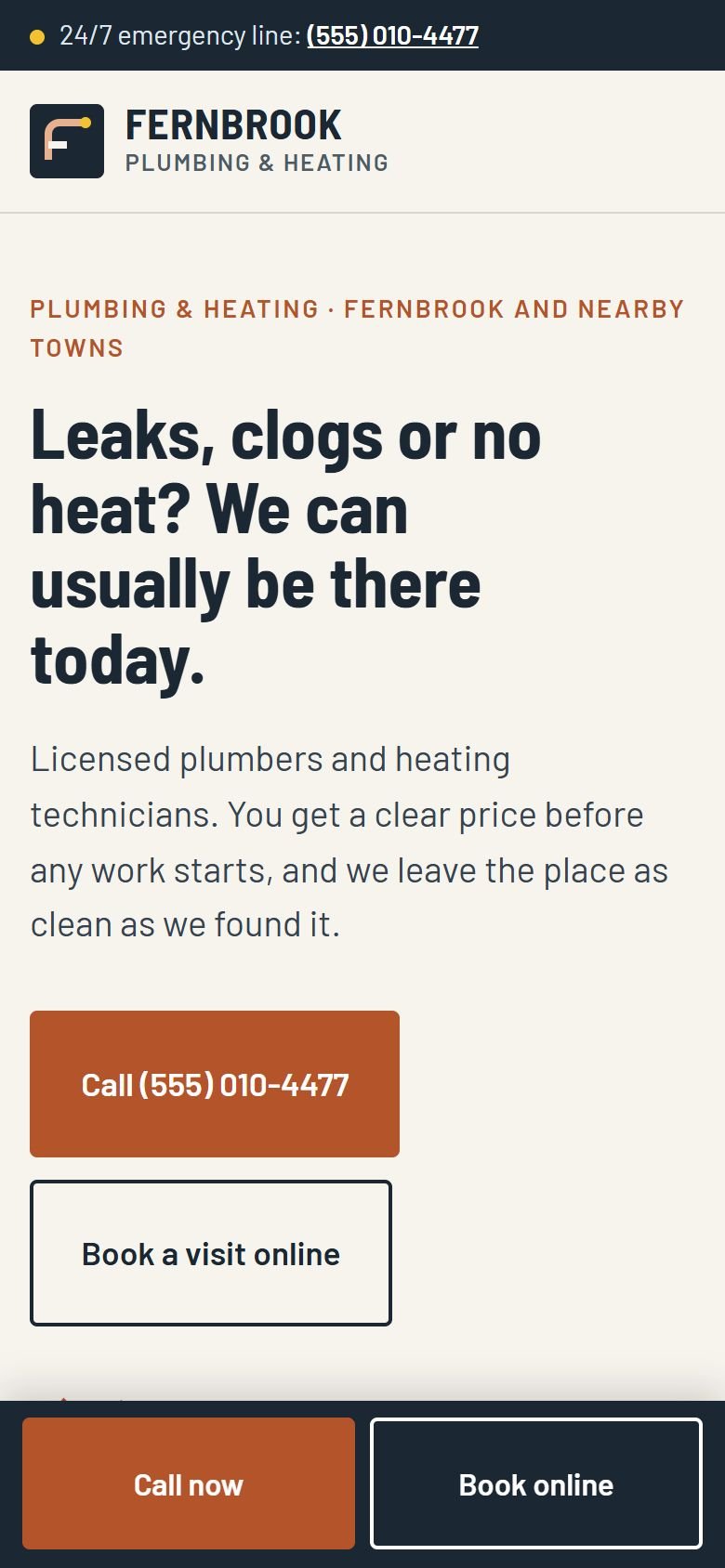
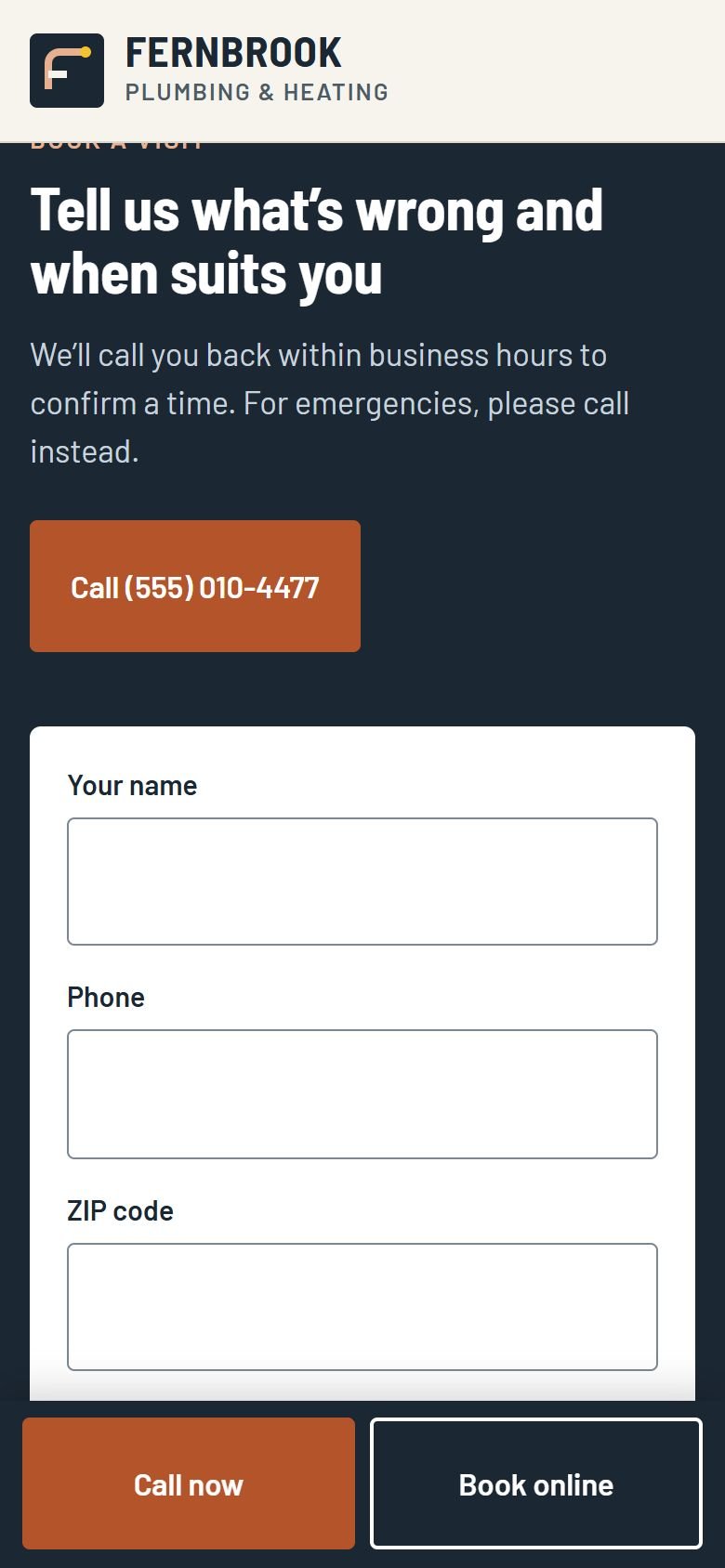
Designed for phones first
The work
The approach
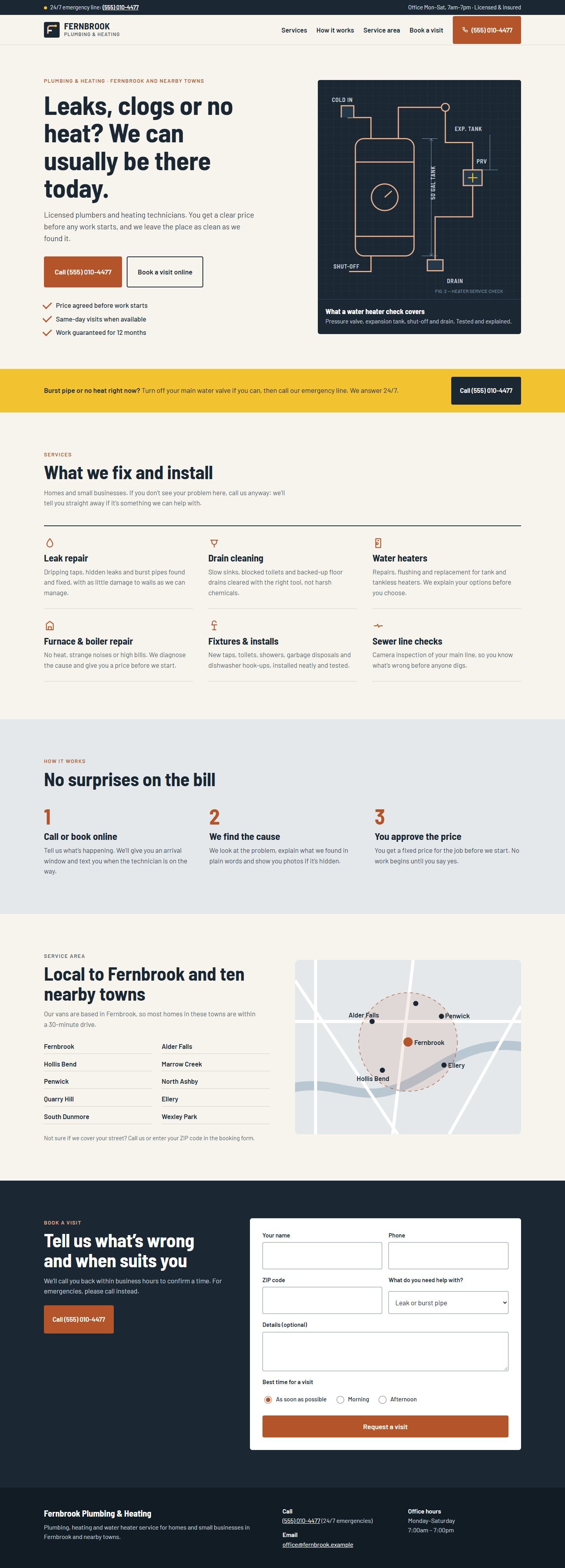
Plumbing sites usually get one thing right and everything else wrong. The phone number is big, but it’s buried in a banner of coupons, badges and stock photos of smiling technicians. We kept the useful part and took the noise out.
The type is Barlow, a family drawn from the lettering on highway signs. It’s sturdy, easy to read at a glance and a little industrial, like the lettering on a van door. Copper comes from the trade itself. Safety yellow is used in one place only: the emergency strip, where someone with water on the floor needs to look first.
Instead of a stock photo, the hero has a technical drawing of a water heater check, drawn in code. It shows a customer what a technician actually inspects. That tells them more than a photo of a person in a uniform.
Decisions worth noting
- Two calls to action, never more. “Call” for urgent problems and “Book a visit online” for everything else. They appear in the same order everywhere.
- Pricing is explained, not listed. The three-step process ends with “You approve the price”, which answers the question every caller has.
- Service area as a list first. People scan for their town’s name. The map supports the list but doesn’t replace it.
- A sticky bar on phones only. On a phone, the call and book buttons stay within thumb reach. On a desktop they would just be clutter.
How it’s built
One static page with no tracking scripts and no image files, because the illustrations are inline SVG. The only JavaScript is the small script that explains the demo form doesn’t send anything. Fonts are self-hosted, and the layout was checked from 320 px phones to wide desktops.
What would change for a real client
A real version would use the company’s own photos, its license number, real reviews pulled from its Google profile, and a form connected to the owner’s email or scheduling tool. We’d also add a page for each main service and each town, if the business needs them.
What’s on the site
Features actually built
- Tap-to-call phone number in the header, hero, emergency strip and booking section
- Sticky "Call now / Book online" bar on phones
- 24/7 emergency strip with a safety tip
- Six-service overview written in customers' words
- Three-step "no surprises on the bill" process
- Service-area list with an illustrated map
- Visit request form with issue type and preferred time (demonstration only, nothing is sent)
- Technical drawing illustration made in code, with no image files to load
Palette
- Slate
#1B2733 - Copper
#B4542A - Paper
#F7F4EE - Safety yellow
#F2C230